
GlossaryArticle
What is an MCP server? How AI connects to tools and data
The Model Context Protocol (MCP) is the open standard that lets AI models connect to external tools and data sources. An MCP server is the part that actually exposes those tools, data and templates to the model. Here is the difference between the protocol and the server, how tools, resources and prompts work, and why CitationLab publishes its own MCP servers.
Published approx. 3 min read
In this article+–
Curious how AI talks about your brand?Run a free visibility check
An MCP server is a service that makes tools, data and templates available to an AI model through the Model Context Protocol (MCP) — the open standard for how AI connects to the outside world. Put simply: the protocol is the language, and the server is what speaks it and actually delivers the functionality. Instead of building a bespoke integration between every model and every system, MCP gives one shared interface that works across the board.
MCP vs. MCP server: what is the difference?
This is the most common confusion. MCP is a specification — a set of rules, built on JSON-RPC, for how an AI client (Claude, ChatGPT or an IDE agent, say) and a server exchange messages. An MCP server is a concrete implementation that follows those rules. The client lives in the AI app; the server provides the tools. That is why the same server can be used by many different AI clients — they all speak the same protocol.
How an MCP server works: tools, resources and prompts
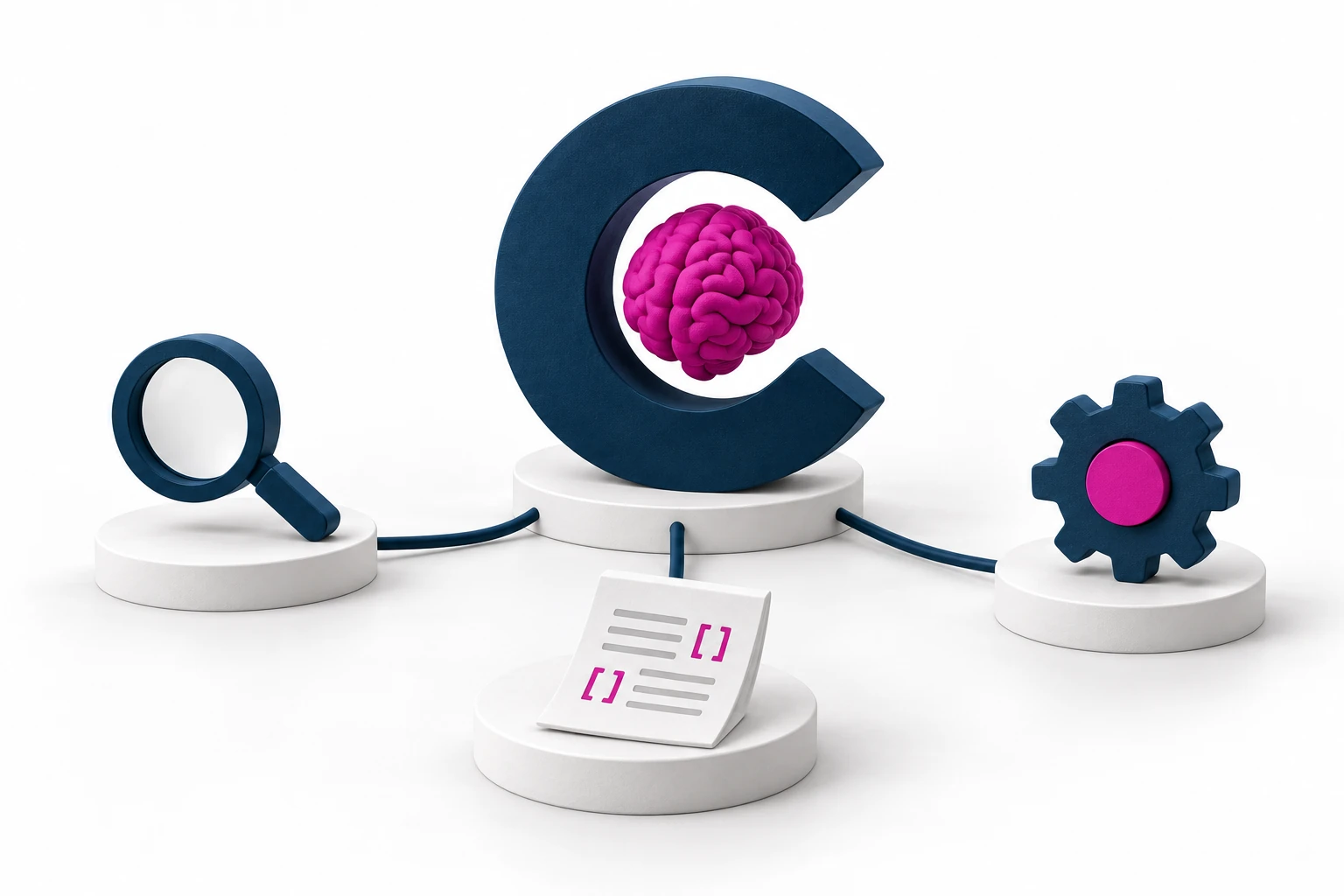
An MCP server exposes three kinds of building block, called primitives:
- Tools — actions the model can take, such as running an audit, searching a database or creating a record. The model "calls" a tool and gets a result back.
- Resources — readable data the server provides, such as a report, a document or a file. The model reads them for context.
- Prompts — reusable templates that package a task into a ready-made format, so the user does not have to write it from scratch each time.
Each primitive has standardized methods to list what exists and to call or fetch it. This is what makes MCP "plug-and-play": the client automatically discovers what the server can do.
Transport and security: stdio vs. HTTP
An MCP server communicates over a transport. Local servers use stdio (standard input/output) and run on the same machine as the AI client — handy for local file systems and command-line tools. Remote servers use HTTP (Streamable HTTP) and are reached over the network, like any cloud service. Because remote servers are reachable beyond your own machine, they are typically secured with OAuth 2.1, where the client requests an access token before it can use the server. Choose stdio for local, HTTP for production.
How CitationLab uses MCP servers
CitationLab publishes its own MCP server for its platform. CitationLab AI Marketing Manager exposes an MCP server so an AI assistant can pull SEO, AEO, CRO and technical audits and their recommendations directly — as live tools, not static PDFs — along with AI-visibility data: citations, mentions, Share of Voice and competitor analysis across ChatGPT, Gemini, Perplexity and Google AI. In practice that means an agent can ask "how is the brand doing in AI search this week?" and get an answer from real data instead of guessing.
How others can use MCP servers
If you have data or functionality you want AI to be able to use — a product catalog, a knowledge base, an internal tool — an MCP server is how you expose it safely and in a standardized way. Start small: one server with a few tools and resources that meet a real need, ideally local over stdio first, then remote over HTTP with OAuth when it goes to production. Want to see how your brand is represented when AI agents pull data about you? Start with a review of your AI visibility.
Frequently asked questions
What is an MCP server?
An MCP server is a service that makes tools, data and prompt templates available to an AI model through the Model Context Protocol. The model connects to the server, sees which tools and resources it offers, and can then take actions or read data through a standardized interface instead of a bespoke integration.
What is the difference between MCP and an MCP server?
MCP (Model Context Protocol) is the standard itself — the rules for how an AI client and a server talk to each other. An MCP server is a concrete implementation that follows those rules and actually delivers tools and data. The protocol is the language; the server is what speaks it.
How does an MCP server connect to the AI?
Through a transport. Local servers use stdio (standard input/output) and run on the same machine as the client. Remote servers use HTTP (Streamable HTTP) and are reached over the network, often secured with OAuth 2.1. Either way, communication happens with JSON-RPC messages.
Why do MCP servers matter for AI visibility?
Because they move AI from merely reading about your brand to acting on your data. An MCP server lets an AI assistant pull fresh, authoritative data straight from the source — an audit or a visibility report, for example — instead of guessing. That makes answers more accurate and gives your brand a direct channel into the agent's workflow.
Key terms
Definitions used in this article
- Model Context Protocol (MCP)
- The Model Context Protocol (MCP) is an open standard for how AI models connect to external tools and data sources through a shared JSON-RPC interface, so one integration works across models and clients.
- MCP server
- An MCP server is a service that implements the Model Context Protocol and exposes tools, resources and prompts to an AI client. It can run locally over stdio or remotely over HTTP.
- Tools, resources and prompts
- The three building blocks an MCP server offers: tools are actions the model can take, resources are data it can read, and prompts are reusable task templates. Each has standardized methods to list and call them.
Was this page helpful?